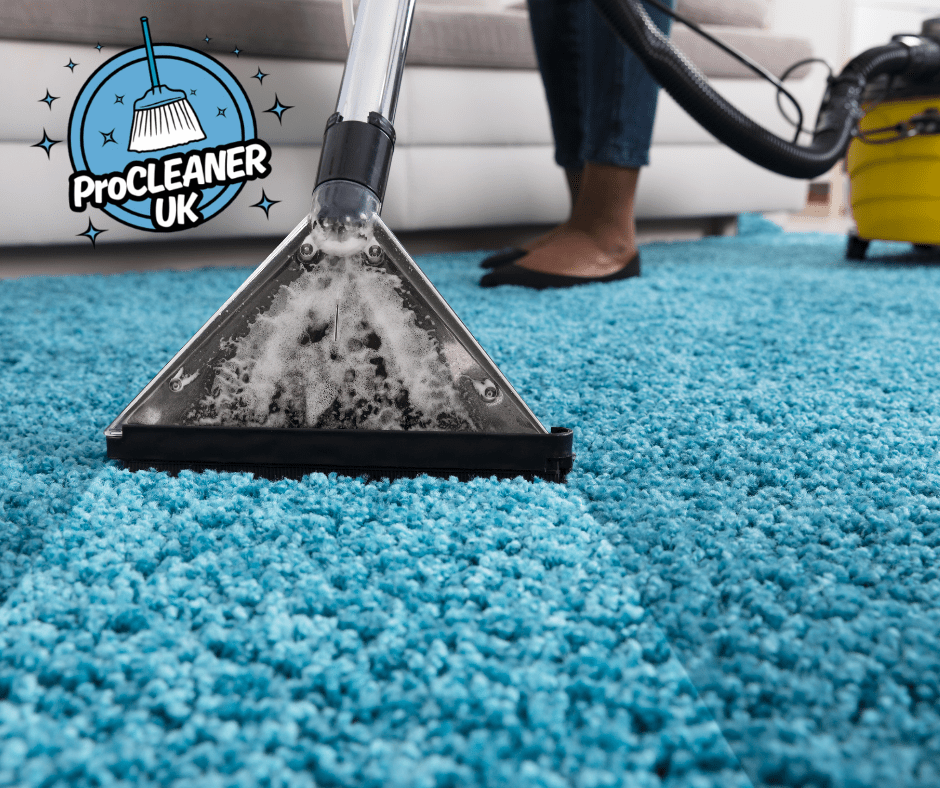
Carpet and upholstery cleaning is a business of details. Wool or synthetic? Old stains or fresh? Pet accidents, red wine or rust marks from furniture? How many square metres, and how long will it take to dry? Get the details right and customers are delighted. Get them wrong and you end up with complaints, refunds and the odd shrunk rug.
A carpet cleaning CRM keeps all those details in one place, helps you quote accurately and reminds you when customers are due again, so one job turns into a customer for life.
What carpet cleaners need to record
- Rooms and measurements: which rooms, stairs and landings, with square metres for quoting.
- Fibre type: wool, wool mix, synthetic, natural fibres such as sisal, and any delicate rugs.
- Upholstery: sofa and chair fabrics, and any care labels.
- Stains and condition: what the stains are, how old and any areas already damaged or worn.
- Treatments used: method, products and any protector applied.
- Results: what came out fully, what improved and what was permanent.
- Access and practical notes: parking for the van, water and power access, pets and furniture to move.
In ProCleanerUK, these details sit on the customer’s profile and show on the job in your technician’s app.
Quote accurately, every time
Carpet cleaning quotes go wrong when they are based on a guess. ProCleanerUK’s component-based quote calculator lets you price by square metres and items, such as rooms, stairs, rugs and three-seater sofas, with multipliers for service level and condition. Heavily soiled carpets or a pre-treatment for pet stains can be priced properly rather than absorbed. Technicians can use the calculator on site and save a draft quote straight into your dashboard.
Add optional extras to quotes, such as stain protection, deodorising or upholstery, so customers can tick what they want before accepting. The total updates as they go and the extras are added to the job automatically.
Before and after photos protect you
“That stain was not there before.” “It was bigger before you cleaned it.” Every carpet cleaner hears it. Before photos showing existing stains, wear and damage, and after photos showing the result, settle disputes quickly. In ProCleanerUK, photos are taken in the app and saved to the job, with the clock-in time and location as extra proof.
The same photos are brilliant marketing. A dramatic carpet transformation can become a branded Marketing Reel for Instagram, TikTok and Facebook, or a Landing Page with a before and after slider and a quote form, in a couple of clicks.
Set expectations before you start
Many complaints come from expectations, not workmanship. Use a pre-clean form on every job to record what you found and what you have told the customer, such as “old bleach mark will not come out” or “pet stain may reappear as it dries”. You can make forms mandatory in the staff app so nothing is skipped. After the clean, send drying and aftercare advice, such as keeping off the carpet for a few hours and ventilating the room.
Turn one-off cleans into regular customers
Most homes need their carpets cleaned every year or so, and households with pets or children often more. That is repeat business waiting to happen:
- Renewal reminders: set a renewal date against each customer, for example 12 months after their clean, and see who is due or overdue.
- Personal follow-ups: Buddy, ProCleanerUK’s AI assistant, can help you write a friendly email suggesting it is time for their next clean, with a Book Now button, after checking they can receive marketing.
- Landlords and letting agents: end of tenancy carpet cleans are regular work. Keep each property on file and quote quickly between tenants.
- Commercial clients: offices, hotels and care homes often want scheduled carpet cleaning, which you can set up as recurring jobs.
Get paid on the day
Technicians can take card payments on site through the app, or invoices can be sent automatically when the job is marked complete. For commercial clients, recurring and monthly invoices keep billing simple. Everything can sync with Xero, QuickBooks or Sage.
Running more than one van
Once you have several technicians, route planning matters. Carpet cleaning jobs vary a lot in length, so a route planner that accounts for job duration and travel helps each van fit more jobs into a day. Stock management tracks the chemicals and protectors each van carries, with low stock alerts.
Health and safety
Carpet cleaning involves chemicals, heavy machines and hoses across floors, so risk assessments and COSHH assessments matter. The HSE COSHH guidance explains what is required. ProCleanerUK keeps your COSHH register, risk assessments and training records together, ready for commercial tenders.
For related services, see our guides to oven cleaning CRM and domestic cleaning CRM.
Try it on your own jobs
Start your 28-day free trial, or book a free demo and we will show you how to set it up for carpet and upholstery cleaning.
FAQs
How should I price carpet cleaning?
By area and items, such as square metres, stairs, rugs and sofas, adjusted for condition and service level. A component-based quote calculator makes this quick and consistent.
How do I avoid stain disputes?
Record existing stains and damage with before photos and a pre-clean form, explain what may not come out, and take after photos when you finish.
How often should customers have their carpets cleaned?
Many homes book once a year, while households with pets, children or heavy foot traffic often book more often. Set renewal reminders to match.
Can technicians take payment on site?
Yes, if you switch it on and have Stripe connected. The payment is recorded against the job’s invoice.
Can I offer stain protection as an add-on?
Yes. Add it as an optional extra on your quotes so customers can choose it before accepting.