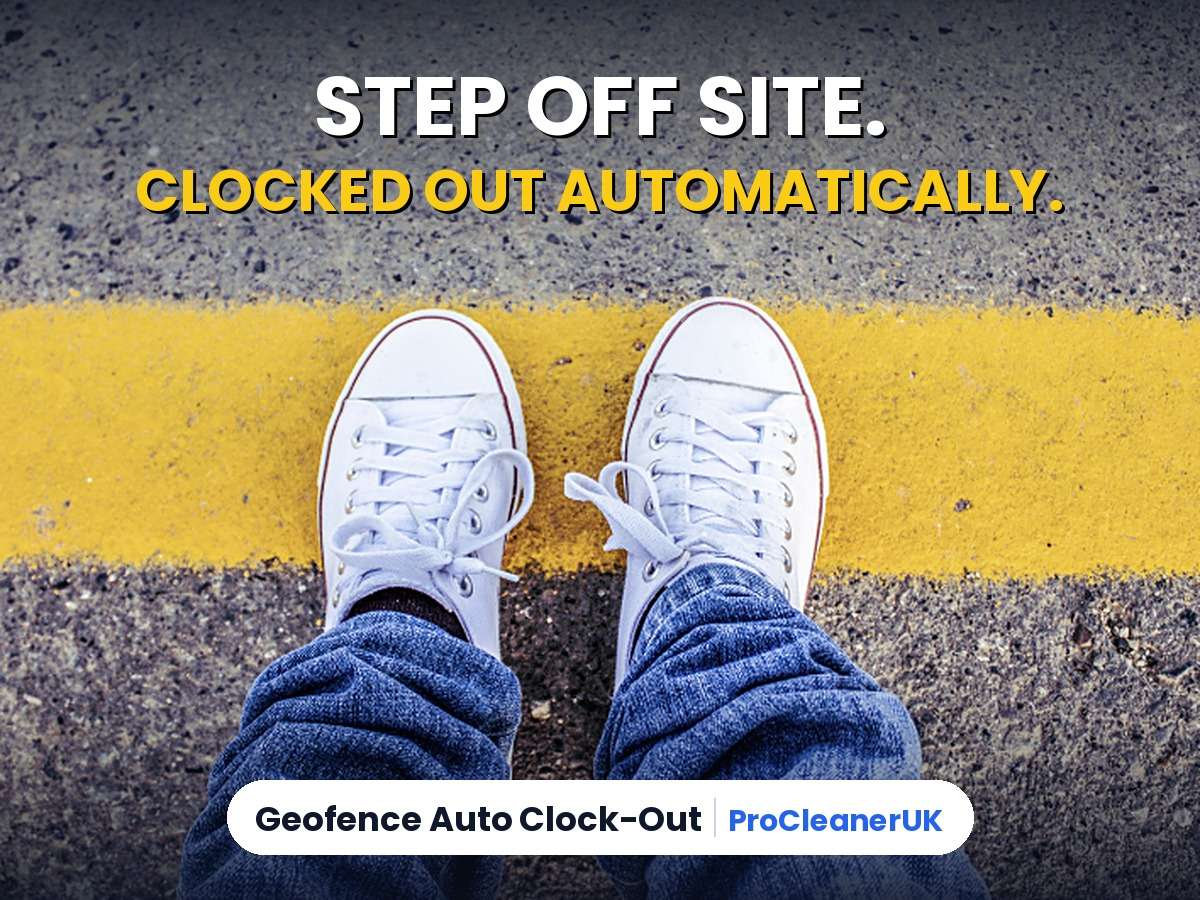
No more cleaners left on the clock for hours after they’ve gone home. With geofence auto clock-out, ProCleanerUK now clocks staff out automatically when they leave the job, and it won’t drain their phone battery doing it.
If you run a cleaning company, you know the Monday morning routine. A cleaner finished at 2pm but the app says they were on the clock until 9pm. You end up chasing staff, guessing times and fixing timesheets by hand before you can run payroll.
Every forgotten clock-out means paying for hours nobody worked, or arguing over the ones they did. It also throws off your job costing, so you can’t see which contracts actually make money.
Cleaners forget to clock out all the time, and it’s one of the biggest admin headaches in the industry. Even CRMs that automate everything else can’t fix it, because they still rely on the cleaner remembering to press clock out.
ProCleanerUK already has auto clock-out as standard: if someone is still clocked in well after a job should have finished, they’re clocked out for you. But that only goes by the clock. It can’t tell whether the cleaner is actually still on site or left hours ago. Geofence auto clock-out fills that gap, because it knows when they’ve physically left the job.
What is geofence auto clock-out?
A geofence is an invisible circle around the job’s address. Once a cleaner is clocked in, ProCleanerUK knows when they leave that circle. If they stay away, they’re clocked out automatically, with the time they actually left on their timesheet.
Your cleaners don’t need to keep ProCleanerUK open for it to work. They can lock their phone, use other apps, take calls, or close ProCleanerUK completely, which staff often do, and it still catches them leaving. That’s exactly the cleaner it’s built for: the one who finishes up, jumps in the van and forgets all about the app.
Both the cleaner and the office get a notification, and the time record is clearly marked as an automatic clock-out, showing how far from the job they were.
How geofence auto clock-out works
- You set the radius. Choose how far from the job counts as leaving, anywhere from 100 metres up to 2 km.
- The cleaner clocks in. That radius is put around the address of the job they’ve clocked in to.
- They step outside the radius. Their phone notices, using the location system already built into iPhone and Android, not GPS running all day.
- The timer starts. They need to stay outside for the time away you’ve chosen, from 2 to 30 minutes. If they come back inside before then, nothing happens.
- They’re clocked out at the time they left. Their timesheet shows when they actually walked out, not when it was noticed, and both of you get a notification.
Geofence auto clock-out puts a stop to forgotten clock-outs, without anyone having to remember a thing.
Does geofence auto clock-out drain the battery?
This is the question every cleaner asks, so here’s the answer: no.
Lots of tracking apps keep the phone’s GPS running all day, and that’s what kills batteries. ProCleanerUK doesn’t. It uses the location watching that’s already built into iPhone and Android, the same system phones use for things like location reminders. The phone does the work in the background without our app needing to keep running.
Why does that use so little power? Your phone is always connected to nearby wifi networks and mobile masts anyway, just to get a signal. The phone’s location system mostly uses those to work out roughly where it is, rather than switching the GPS on. So keeping an eye on one radius costs almost nothing extra, because the phone is doing most of that work already.
On top of that, it only watches one place, the job they’re clocked in to, and only while they’re clocked in. The moment they clock out, it stops. Your team won’t notice any difference to their battery.
You stay in control
- Off until you want it: it’s a company setting, so nothing changes for your team unless you choose it.
- Your leaving distance: decide how far from the job counts as leaving, from 100 metres up to 2 km, to suit big sites and small homes.
- Your time away: decide how long someone must be gone before they’re clocked out, from 2 to 30 minutes. A quick trip to the van or the shop won’t clock anyone out.
- Fair on pay: the clock-out uses the time they left, not the time it was noticed.
- Staff get a choice: the app explains why it needs their location before asking. If someone says no, everything else carries on working as normal.
Built with privacy in mind
This isn’t staff tracking. ProCleanerUK doesn’t follow your team around or keep a trail of where they’ve been. It only checks one thing: whether they’ve left the job they’re clocked in to. There’s nothing watched between jobs, after work or at weekends.
That fits with the Information Commissioner’s Office guidance on monitoring workers, which asks employers to be open with staff about any monitoring and to use the least intrusive way of getting the job done.
It works in the ProCleanerUK app on iPhone and Android, and handles repeating jobs and shared jobs, so only the person who left is clocked out.
Why it matters
- Less admin: no more chasing staff or fixing clock times before payroll.
- Fewer disputes: clock-out times are backed by when the cleaner actually left.
- Real job costing: see how long each clean really takes, so you can price contracts properly.
- Proof for clients: show exactly when your team arrived and left.
Who is it for?
Geofence auto clock-out suits any cleaning business where staff travel between jobs and paying for real hours matters. That covers domestic teams working through a list of homes each day, commercial cleaners on office and site contracts, and end of tenancy or deep clean crews who often finish at different times from what was booked.
It’s especially useful if you pay staff by the hour, charge clients for time on site, or have ever had a timesheet argument start with “I definitely clocked out”.
Geofence auto clock-out: common questions
Do staff still need to clock out themselves?
Yes, clocking out normally is still the main way. Geofence auto clock-out is the safety net for when they forget, so a forgotten clock-out never turns into hours of paid time.
What if a cleaner just pops to the van or the shop?
They won’t be clocked out. You choose how long someone has to be away first, so short trips are ignored.
What if there’s no phone signal when they leave?
The phone holds on to it and sends it as soon as signal comes back, still using the time they actually left.
Does it work on shared jobs?
Yes. If two cleaners are on a job and one leaves early, only the one who left is clocked out.
Can I see when it’s happened?
Yes. Automatic clock-outs are clearly marked on the job’s time records, with how far from the job the cleaner was, so you can always tell them apart from normal ones.
Does it change how I pay travel time?
No. It records when someone left a job, nothing more. Travel between jobs during the working day can still count as working time for minimum wage, so keep paying it the way you do now. GOV.UK explains the rules on paid travelling time.
Available now
Geofence auto clock-out is included in ProCleanerUK at no extra cost. Already a customer? It’s ready for you in Settings. New to ProCleanerUK? Start your 28-day free trial and see how much time you get back.