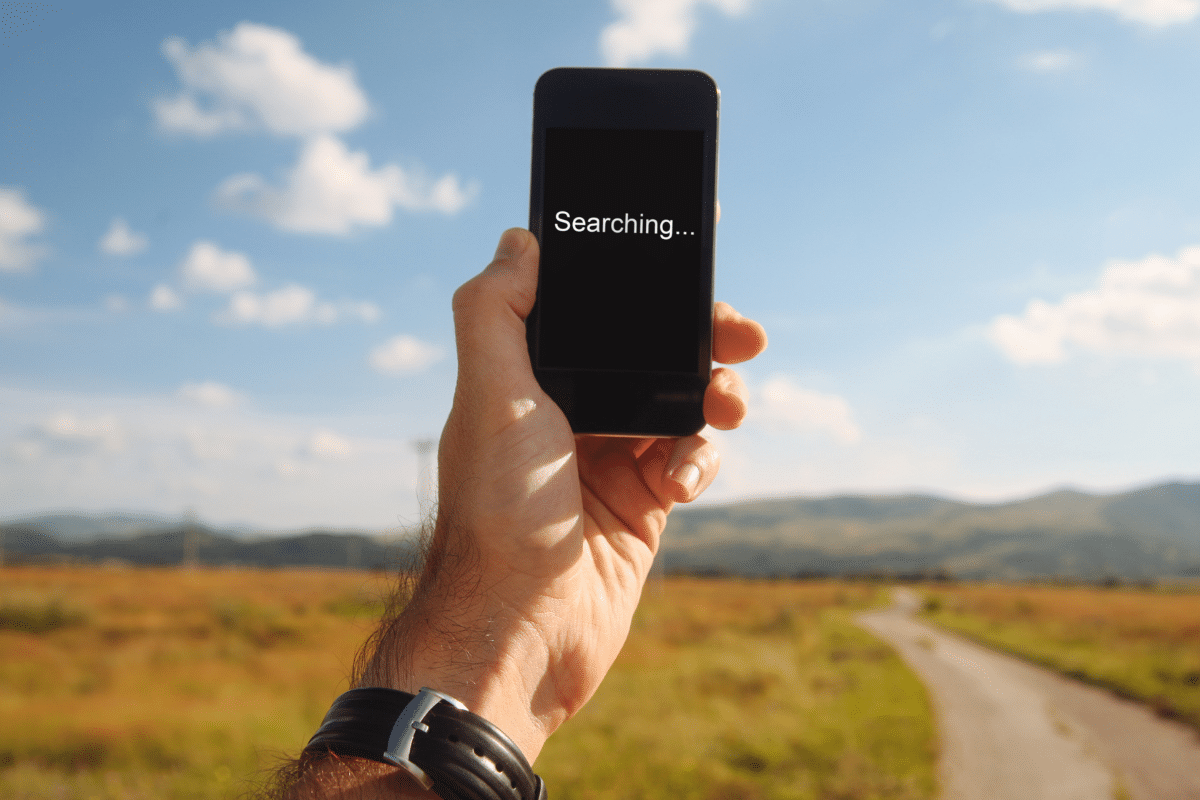
Your cleaner arrives at a block of flats, heads down to the basement bin store, and taps “Clock in”. The screen spins. No signal. They try again by the lift, then give up and promise to tell the office later. By Friday nobody remembers what time they actually started, and payroll turns into a guessing game.
This happens every day, and it’s getting more common. A wave of new cleaning apps has appeared over the last couple of years, and most of them were built for the office, not the job site. Some are just websites dressed up as apps. Others are proper downloads in the App Store and Google Play. Either way, a lot of them still need signal for every single tap. They look great in a demo on office Wi-Fi. Out in the real world, in basements, stairwells, big old houses with thick walls and rural lanes with one bar of 4G, they simply stop working.
If your team works anywhere the signal drops, you need a cleaning app that works offline. Here’s why so many don’t, and what to look for instead.
Website or App Store, same problem
You’ll hear a lot about PWAs (progressive web apps). That’s a website you add to your phone’s home screen so it looks like an app. They’re quick to build and work on every phone, which is why so many new cleaning apps start that way. ProCleanerUK has one too, and it’s great for office staff on a laptop.
But don’t assume an app is better just because it’s in the App Store. Plenty of App Store cleaning apps are really the same website wrapped in an app icon, and still fall over the moment signal drops. Being downloadable isn’t what matters. What matters is whether the app was built to keep working when there’s no connection, and most of the new ones weren’t.
Where most cleaning apps fall over on real jobs
No signal, no app. Unless an app has been built from the ground up to work offline, and most haven’t, whether it’s a web app or an App Store download, it needs a connection for every tap. Clock in, mark a job done, add a note: if the signal drops, the action fails. Worse, if the app doesn’t warn you, nobody knows it never saved.
Location only while the screen is on. A web app can only ask for location while it’s open and on screen, and plenty of App Store apps never ask for background location either. Lock the phone or switch to WhatsApp and tracking stops. That’s no use for “on my way” journey tracking, or for proving a cleaner was actually on site.
No NFC tags on iPhone. Lots of cleaning businesses use NFC tags at a site so staff can tap to clock in. Browsers on iPhone can’t read NFC tags at all, so a web app can’t offer this to anyone on an iPhone, and many App Store apps simply don’t support NFC at all.
Close the app, lose your place. Phones regularly clear apps out of memory in the background, web or downloaded. If the app doesn’t keep today’s jobs saved on the phone, reopening it in a dead spot gives you a blank screen instead of your day’s work.
What it costs you when the app gives up
It’s easy to shrug this off as a small annoyance. It isn’t.
- Payroll disputes. Missing or late clock-ins mean someone in the office is fixing times by hand, and cleaners querying their pay.
- No proof of attendance. When a client says nobody turned up, you need a clock-in with a location, not “I definitely went”.
- Admin time. Every failed tap becomes a phone call, a text or a WhatsApp to the office.
- Staff stop trusting the app. Once cleaners learn it doesn’t work in certain buildings, they stop using it properly everywhere.
How ProCleanerUK handles it
We built ProCleanerUK for cleaners who work in basements and stairwells, not just for demos on office Wi-Fi. Alongside the web version, there are proper native apps for iPhone and Android, so the app talks straight to the phone’s GPS, camera and NFC reader instead of asking a browser for permission.
Keeps working with no signal
When there’s no connection, the app tells the cleaner they’re offline and carries on. Everything they do is saved on the phone and sent automatically the moment signal comes back, with no need to remember or redo anything. That covers:
- Clocking in and out of the day, and of each job
- Starting and ending breaks
- Marking jobs complete
- Adding comments and filling in site surveys
- Telling the office they’re running late
- Returning stock as part of finishing a job
If a send fails, it’s kept and retried, not thrown away.
GPS proof, even with no signal
This is the part most apps get wrong. GPS comes from satellites, not the phone network, so it works in a dead spot even when the internet doesn’t. ProCleanerUK uses that.
When a cleaner clocks in with no signal, the app still takes their GPS location, checks on the phone that they’re actually at the job’s address (if you’ve switched on site geofencing), and saves both the location and the exact time they tapped. When signal comes back and it syncs, the office sees the real clock-in time and where it happened, not the time the phone found 4G again.
So you still get proof of attendance and accurate times for payroll, from a basement with no bars at all.
Opens even when it’s been closed
Today’s jobs and the cleaner’s clock-in status are saved on the phone. Close the app completely, walk into a dead spot and open it again, and their jobs are still there, showing whether they’re clocked in.
GPS or NFC, your choice
Most businesses simply use GPS to clock in. If you’d like extra proof at certain sites, NFC tags are an optional extra: stick a tag on site and staff tap their phone on it to clock in, no GPS needed. It works on both iPhone and Android in the native app. Which tag belongs to which job is saved on the phone too, so tapping a tag to clock in works even with no signal.
Real location, even with the phone in a pocket
The app uses the phone’s own GPS. When a cleaner is on their way to a job, location keeps updating in the background, even with the screen locked or another app open.
Questions to ask before you sign up
Before you move your team onto any cleaning app, ask the supplier these, and ask them to show you, not just tell you:
- Is it a real app in the App Store and Google Play? That’s a start, but on its own it proves nothing, so keep going.
- Put the phone in airplane mode. Can a cleaner still clock in, take a break and complete a job? Does it all appear in the office once the phone reconnects?
- Close the app completely while offline, then reopen it. Are today’s jobs still there?
- Does location keep working with the screen locked?
- If I want NFC tags at some sites, can my iPhone users tap them to clock in?
- If something fails to send, does the app tell the cleaner and try again?
If the answer to any of these is “not yet” or “it’s on the roadmap”, your cleaners will find out the hard way, usually in a basement.
Built for where cleaners actually work
A good-looking app is easy to build. One that keeps working in a basement, a stairwell or a farmhouse at the end of a lane takes a lot more care, and that’s the bit that matters to your team and your payroll.
Start your free trial, put a phone in airplane mode, and see for yourself.