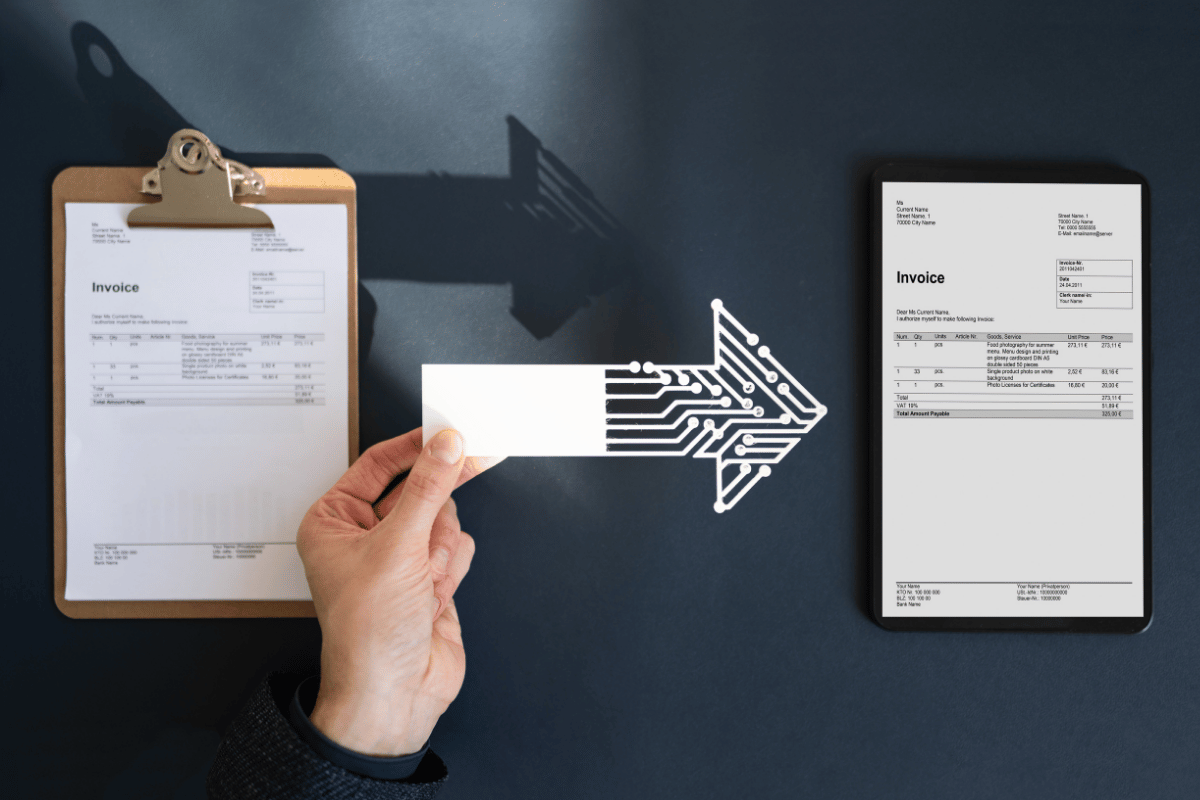
Most job management software treats invoicing as an afterthought. You finish a job, someone raises an invoice, and everything else your business spends money on gets tracked somewhere else entirely: stock, materials, subcontractor costs, expenses you need to pass back to a customer. All living in a different tab, a different app, or a different Friday-afternoon spreadsheet.
For a cleaning business running dozens of jobs a week across multiple customers, that fragmentation adds up fast. A missed stock charge here, a forgotten expense there, and by the time you notice, the customer’s already paid an invoice that should have been higher. That’s exactly the gap purpose-built cleaning business invoicing software is meant to close, and it’s what we built our system to do.
Everything lands on the same invoice, automatically
Every completed job sits on your Work In Progress (WIP) view the moment it’s finished, waiting to be billed. But jobs are rarely the whole story. If a customer’s charge should also include site stock they’ve used, or an expense you’re passing straight back to them, those need to land on the same piece of paper, not three separate ones that all arrive in their inbox the same week.
So that’s what happens. A pending invoice on WIP can carry all three:
- Job charges: every completed job for that customer, ready to bill
- Site stock: materials and stock used on the job, tracked and costed against the customer it belongs to
- Recharged expenses: anything you’ve flagged to pass on to the customer, added as its own line item
When you generate the invoice, it goes out as one document. One total. One thing for your customer to look at and pay, instead of reconciling three separate charges that all reference the same job.
Recharging expenses without the admin headache
Expenses happen mid-job all the time: extra materials, a call-out charge, something unplanned. Traditionally, recharging that to the customer means someone remembering to raise a separate invoice for it later, usually after the fact, usually after someone’s chased for it.
Our system lets you flag an expense for recharge the moment it happens. From there, it’s queued and waits for that customer’s next invoice run. No sticky notes, no “did we ever bill them for that” conversations two months later. It’s just there, on the next invoice, exactly where it should be. Once it’s been billed, it’s marked as invoiced automatically, so it never gets forgotten and it never gets charged twice.
Why this matters for cleaning businesses specifically
Cleaning contracts are often retainer-based, recurring, and spread across dozens of sites. That’s exactly the setup where costs get missed: a supervisor picks up extra dust sheets on a job in March, and by the time invoicing happens at month end, nobody remembers which customer that was for. Combining jobs, stock, and expenses into a single automated invoice removes that gap entirely. You bill for what actually happened, every time, without relying on anyone’s memory.
Built for how billing actually works
None of this is about adding more steps. It’s about removing them. A job finishes, materials get used, an expense comes up, and instead of three separate admin trails, it’s all sitting in one place, ready to become a single, accurate invoice whenever you’re ready to send it.
That’s the difference between generic job management software and cleaning business admin software built around how these contracts actually get billed.
Start your 28 day free trial
See it working on your own jobs, stock, and expenses, no commitment required.
Frequently asked questions
Can I combine job charges and expenses on one invoice? Yes. Any completed job, any site stock used, and any expense flagged for recharge to that customer can all appear as line items on the same invoice, generated in one action.
How do recharged expenses get added to a customer’s invoice? When an expense is flagged for recharge, it’s queued against that customer’s account. It’s automatically included the next time an invoice is generated for them, rather than needing to be added manually.
Will an expense ever get billed twice? No. Once an expense has been included on an invoice, it’s marked as invoiced and won’t appear again on future invoice runs for that customer.
Does this work for retainer or recurring cleaning contracts? Yes. It’s built specifically for recurring, multi-site billing, where jobs, stock use, and expenses build up over a billing period and need to be reconciled into a single accurate invoice.
Is there a free trial? Yes, a 28 day free trial is available with no commitment. START YOUR FREE TRIAL